Go Line: Transit Puzzle Simulator
Video Demo
App Screens
Swipe to see more →
Overview
A zen-inspired transit management game where players draw railway lines, connect stations, and keep the city moving smoothly.
What it does
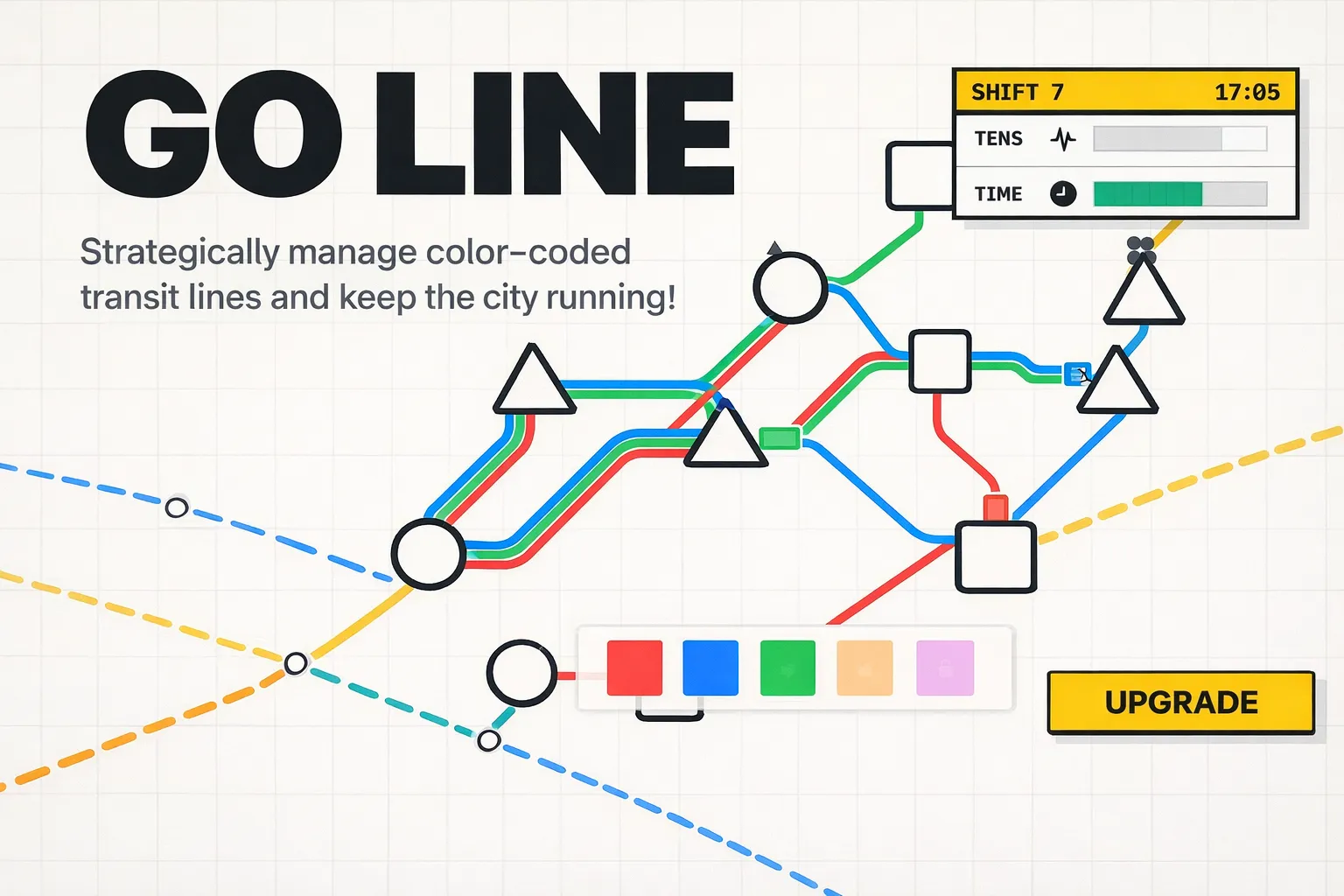
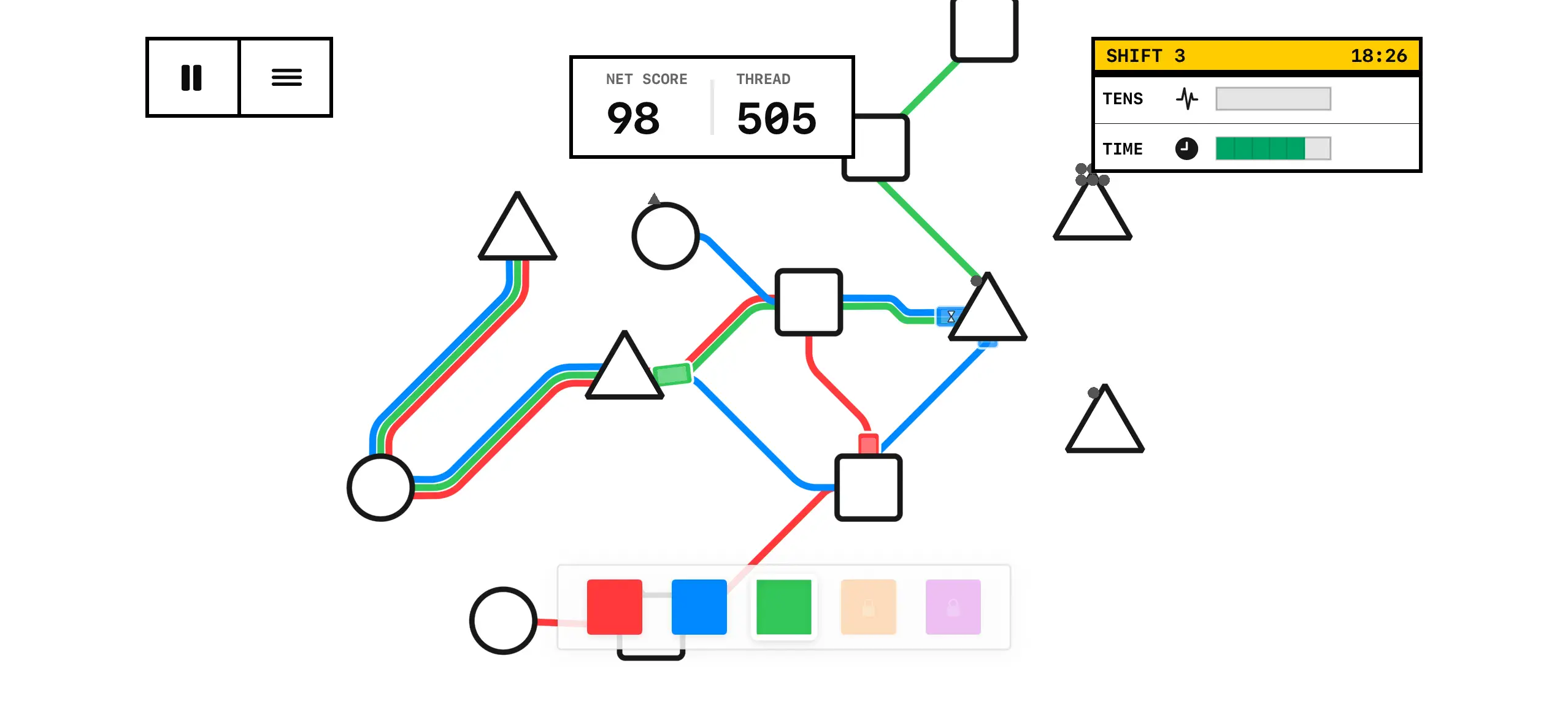
Go Line is a strategic puzzle game challenging you to keep a growing city's transit flowing. Draw lines between stations, transport passengers to their unique destinations, and prevent network tension from spiraling out of control. Every shift brings new upgrades, color-coded lines, and ever more intricate networks to manage.
How I built it
- SpriteKit Engine: Uses SpriteKit for smooth, performant 2D rendering—curvy rails, interactive maps, and sleek game pieces.
- Swifty Modern UI: Combines SwiftUI for menus and overlays with SpriteKit gameplay for ultra-responsive user experience.
- Reactive State Management: All game state and interactions are managed with RxSwift, ensuring tight syncing between logic and UI.
- Minimalist Visuals & Shaders: Custom industrial UI with subtle metallic textures and handmade-style dashed lines, realized via GLSL shaders.
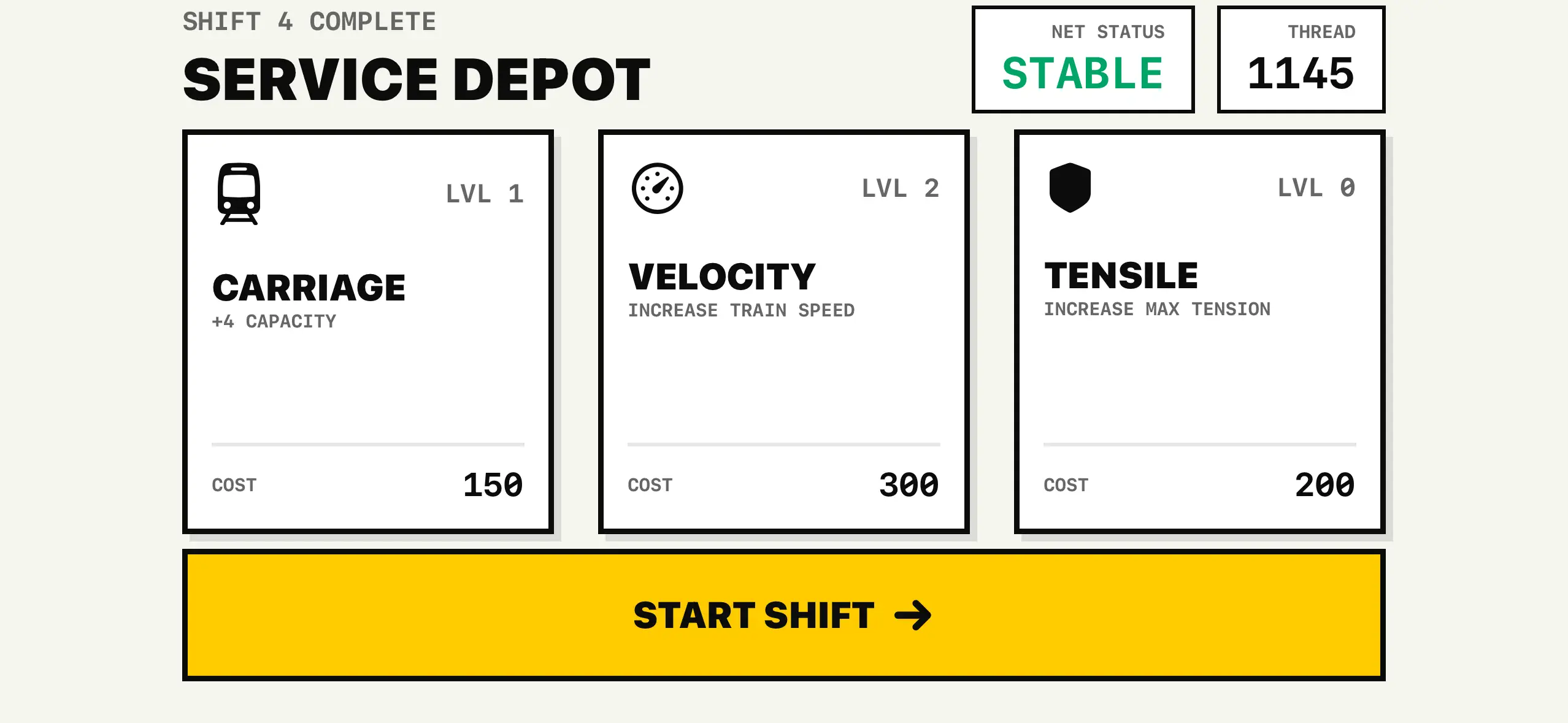
- Upgrades and Day Cycles: Implements a persistent upgrade shop and progressive day cycles, letting players improve their network and chase efficiency.
Challenges
The game's biggest challenge was creating an interface responsive enough for rapid touch-drag line drawing, and scalable enough to visualize a complex, multi-line network without overwhelming users. Fine-tuning the tension system for clear but forgiving fail states—and ensuring the game remained relaxing, not stressful—required numerous design iterations.